Usability Meets Accessibility

People focus so much on <h1> and alt attributes that they forget about usability.
Introduction
When discussing accessibility (a11y), we all focus on the structure of our <h1>/<h2>, the alt image texts, the contrast,
and all the necessary rules to be covered. The problem is that during the process, we forget to think about usability:
Is the page saying what it is supposed to be saying? Does the image description reflect what you can see there? Or take
link text as an example: Does “Read More” explain what content the user is about to access?
Most of the time, usability is overshadowed by a focus on compliance with accessibility standards. As a result, we end up with a site that passes validation but neglects to measure usability… or worse, we don’t even consider it.
This article will explore a few key concepts and examples to highlight why usability is an essential complement to accessibility.
What is Usability?
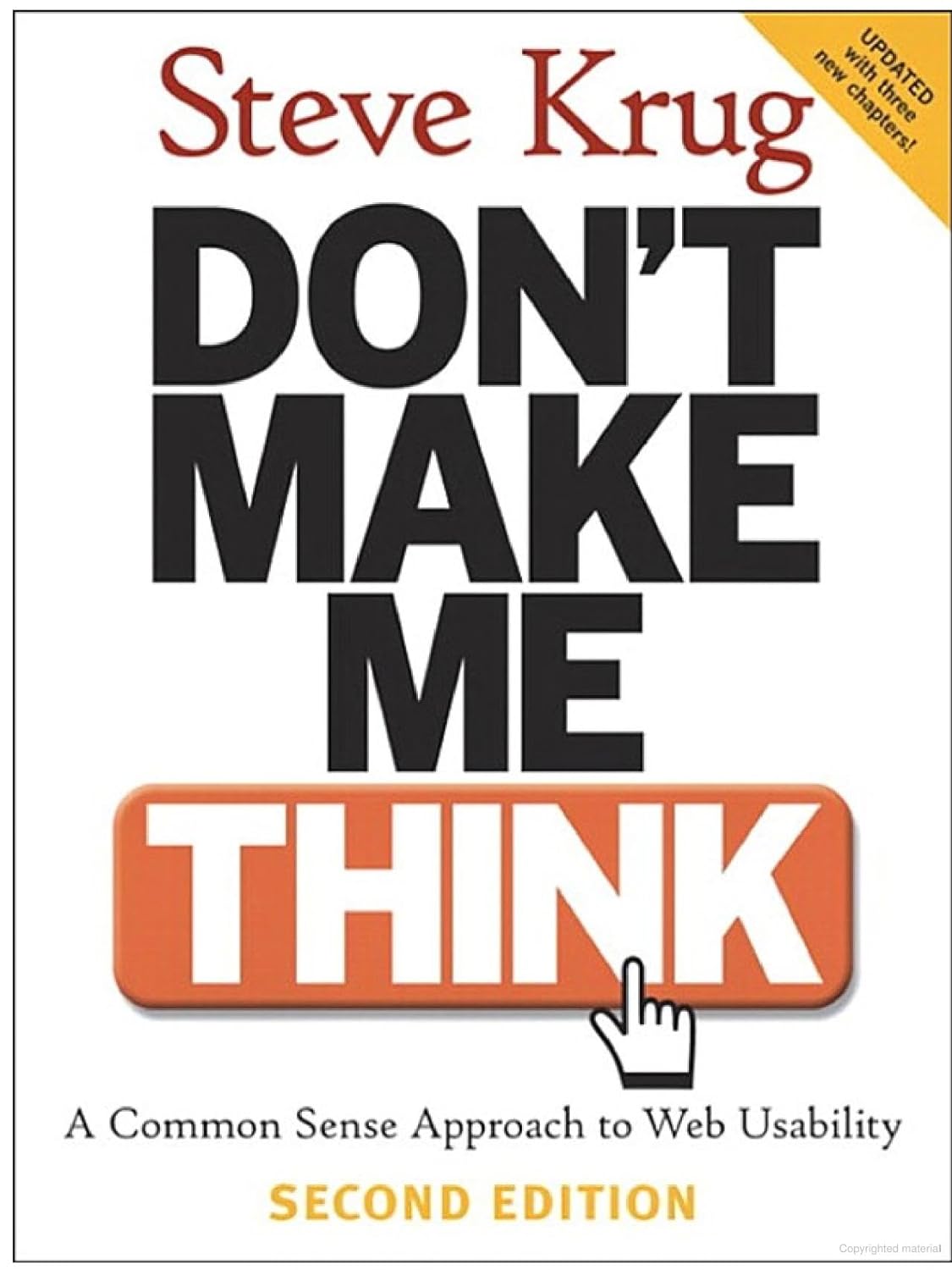
Most of the ideas we will cover here come from “Don’t Make Me Think! A Common Sense Approach to Web Usability”1 by the usability guru Steve Krug, who helps to understand the principles of intuitive navigation and information design.
The book starts with a conversation that I would like to share:
- “What’s the most important thing I should do if I want to make sure my website is easy to use?”
The answer is simple. It’s not “Nothing important should ever be more than two clicks away,” or “Speak the user’s language,” or even “Be consistent.” It’s…
Usability is about making things simple and intuitive.
A website or app should require minimal effort for users to navigate and understand.
The key questions to ask are:
- Can users easily figure out how to interact with your site?
- Does the content say what it’s supposed to say?
- Are the goals of your design clear at a glance?
The Missing Link Between Usability and Accessibility
We usually use an external validator such as Axe Deque 2 or automated accessibility testing tools like axe-core-gems 3 to check if we live up to the WCAG standards4.
Still, at the end of the day, it is more of a grammar checker than a spell checker. They are nice and helpful tools that will help us fix contrast andmissing text and give us a list of corrections, some of them just suggestions, to try to reduce the typically long list.
However, these technical fixes do not ensure usability.
For example, if an image’s alt text says, “Image of a person,”but the image is actually an instructional graphic, the alt text fails to convey its purpose.
Usability ensures alt text communicates meaning.
Correct nested headings <h1>/<h2> help a lot to the screen readers, but if your <h1> reads “Welcome” without context at all; yes, it’s technically accessible but practically unhelpful.
A Few Concepts to Consider
From our book, we can walk through a few concepts that I consider are the most interesting ones:
The Simplicity Concept
Making it simple, not necessary is something easy to do. Each iteration that you plan in your website, since a link in your sidebar nav until a form with multiple steps, must be intuitive.
Wear the visitor hat for a moment and start using your site. As soon as you notice a delay of seconds or milliseconds, that moment that makes you doubt about what you are doing, is when you realize that there is an opportunity to decrease the complexity.
Use The Right Words
Did you take in mind that no one is ever going to read all the entire content on your home page or that a visitor would think that it is necessary to read everything to understand what is going on?
Do an exercise of reducing the total of words, let’s say 30%, on your site. If you find that it is not a problem and that your site still making sense, then you decrease the noise level of the page, you are making your content more prominent, and also given that your pages are shortened, you increase usability, for example, avoid unnecessary scrolling in long sites.
Examples of Doing It Right
Label text on a link:
bad: “Click here” on a link text
good: “Learn More About Our Services”
The first option says nothing at all.
Instead, the second one gives you context for visual and assistive technologies making it better for usability and accessibility purposes.
Alt text on an image:
bad: “Image of a cat”
good: “A cat lying on its back being petted by a person”
The second description is much more descriptive and meaningful about the image. On the first one, the text is vague and does not say too much about it.
Probably, at first, you spend business time to find or create that specific image for a real intention, and then, when you can describe it, and people in general, miss the intention and the motivation when writing the text.
Form placeholders:
bad: A form with placeholders in all the inputs
good: A form with also a label like “full name”
It is considered a poor practice as it can significantly impact usability, especially for users with visual or cognitive impairments.
Last Words
We are conscious that usability has even more complexity than accessibility, but we must be conscious that they go hand in hand.
When you work on a11y take extra time to keep focus at the same time if makes sense of what you are describing or writing.
When you work on accessibility, take the extra time to ask yourself:
- Does this make sense?
- Does it serve its purpose clearly?
By considering both usability and accessibility together, you create a better experience for everyone.
References
- Krug, Steve. Don’t Make Me Think! A Common Sense Approach to Web Usability (2nd Edition). New Riders Publishing, 2005.
- Deque Systems. Axe Accessibility Testing Tools
- Deque Labs. axe-core-gems : Accessibility Testing for Ruby and Rails Applications
- World Wide Web Consortium (W3C). Web Content Accessibility Guidelines (WCAG) 2.1
- A Garriga, Dolores and others. El espectro gramatical: formas, significados y conducta humana . Revista Española de Lingüística, 2003.
- Columbia School Linguistic Society. Columbia School of Linguistics Official Website